 SimpleACME
HTTP validation can fail because Apache serves the challenge from the wrong virtual host, redirects it incorrectly or cannot be reached on the expected path. Test that path explicitly if HTTP validation is still the right architecture. If the service should remain private or the inbound route is prohibited, choose DNS validation instead of adding fragile exception rules. Keep the Apache installation and reload stage separate from the selected authenticator.
This guide addresses a problem raised in a public r/linuxadmin discussion. The discussion identifies the question; the runbook below is our own explanation, not a claim that the original poster used or endorsed SimpleACME. Read the source discussion for its historical context and compare it with the current client documentation linked below.
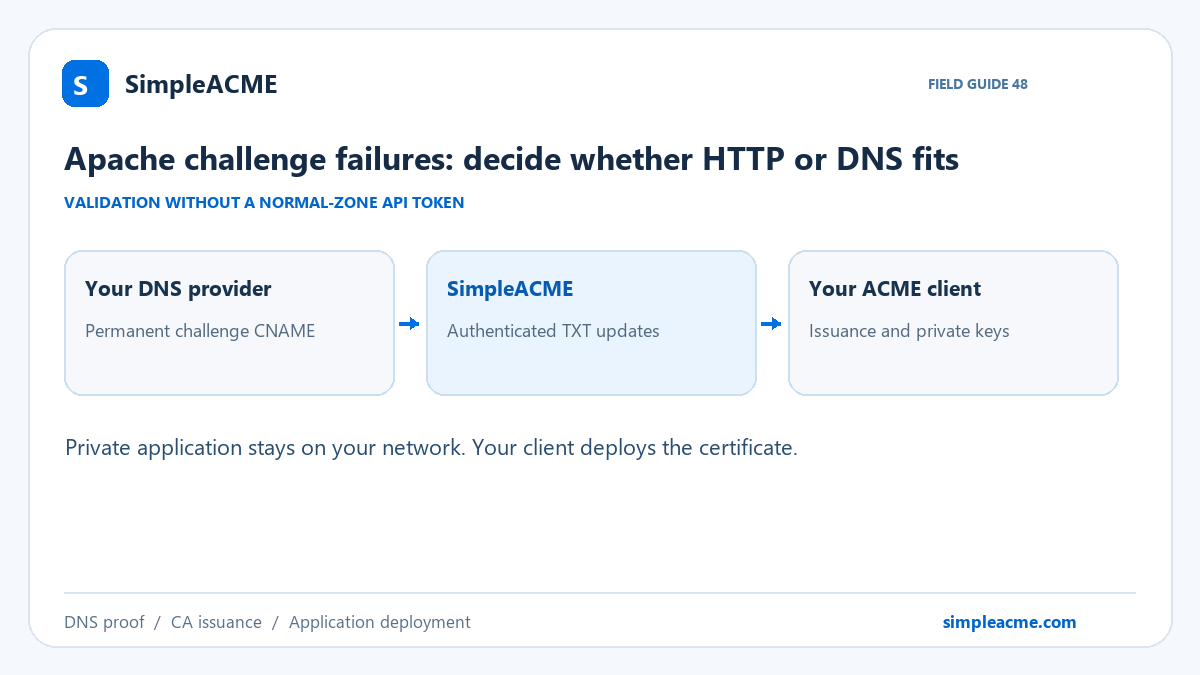
Reachability is the design decision
Separate the validation plane from the application plane. Your users may reach a service through a VPN, private DNS or an internal reverse proxy, while the certificate authority sees only the public challenge record. The application does not need a public HTTP listener solely to prove the requested DNS name. The issuing machine still needs its required outbound network connections and a reliable DNS view.
Use a publicly registrable domain you control for a public CA certificate. An invented internal suffix is a different trust problem, often better addressed by a private CA and managed trust distribution. Public certificate issuance may reveal identifiers through transparency logs, so avoid assuming that a private application implies a secret hostname. For a simple website that already has a reliable public challenge path, retaining native HTTP validation may be the smaller operational change.
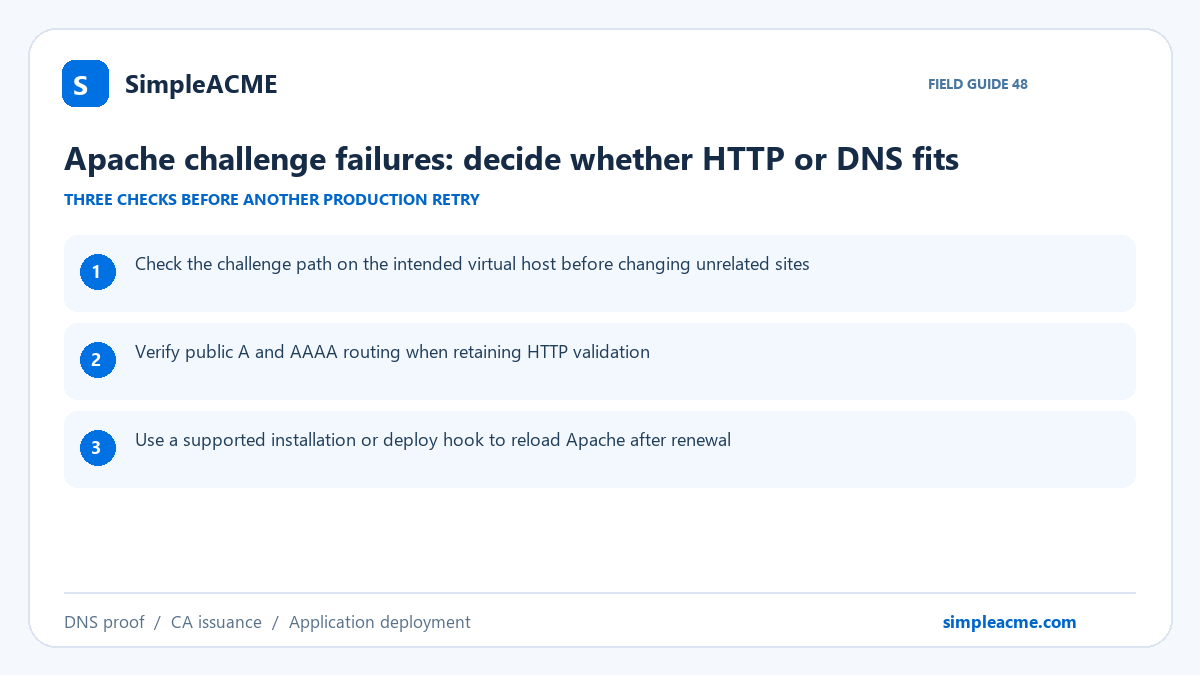
Start with these three checks
- Check the challenge path on the intended virtual host before changing unrelated sites.
- Verify public A and AAAA routing when retaining HTTP validation.
- Use a supported installation or deploy hook to reload Apache after renewal.
Work through the checks against the running system, not only the configuration you expected to deploy. Save a short record of the observed answer, the client version and the first failing log message. Make one relevant change at a time so you can tell whether it corrected the original failure. Keep real credentials and private-key contents out of that record.
Configure Certbot with a stable delegation
Prepare the intended name in your SimpleACME account and copy its exact challenge CNAME. A free account can prepare one single-domain demo, but DNS updates are blocked until paid access is active. Paid single-domain and wildcard registrations follow accepted payment. Choose the required coverage deliberately; a registration or a plan label is not proof that every certificate identifier is included.
Add the CNAME at your existing authoritative DNS provider. Preserve it for later renewals, and configure the client to update the existing registration it points to. You do not need to share the normal DNS provider's API credentials with the renewal host. Your existing website and email DNS stay where they are. A CNAME is needed per distinct challenge owner, rather than one record for an unrelated collection of hostnames.
Certbot's manual DNS mode becomes unattended only when the presentation work is handled by a suitable authentication hook. The hook receives the current validation value from Certbot, selects the existing account mapping and publishes the proof through SimpleACME. It must report update failures and wait for the answer to be visible before returning success. A shell command that merely prints instructions is still a manual process.
Keep the saved renewal lineage, hooks and mapping persistent. In Docker, bind-mount the complete certificate directory because the live paths can depend on archive files and saved renewal configuration. Configure a deployment hook for the actual consumer. A successful certonly operation does not automatically mean Nginx, Apache, a NAS or another application has loaded the new certificate. Use the active-subscriber guide for the reviewed Bash hook and Docker example, then adapt paths and permissions to your installation.
Test the result at all three boundaries
Begin with a staging validation using a separate test certificate configuration where the client supports it. Check the final public DNS answer before asking the CA to validate. These read-only examples use illustrative names; replace them with the exact challenge owner and hostname from your own setup:
dig +short CNAME _acme-challenge.app.example.com
dig +short TXT _acme-challenge.app.example.com
openssl s_client -connect app.example.com:443 -servername app.example.com </dev/null
Then inspect the client result to confirm that the CA actually issued a certificate. Finally, inspect the certificate served by the target application from the relevant user network. Compare its names and expiration with the issued object. Test the unattended job again after a controlled restart or container recreation. Record how you would recover if the validation host or deployment target became unavailable.
Know the service boundary before relying on it
A public website with working HTTP validation may not need a migration. Delegated DNS is especially useful when public challenge reachability is the actual constraint.
SimpleACME records TXT authorization changes and can send optional DNS-change notifications. That timeline is useful evidence, but it cannot confirm issuance or installation performed by your independent client. Keep a separate served-certificate expiry check and review update entitlement before the paid-through date. Yearly subscription billing is not the certificate validity period; let the ACME client renew when its authority and renewal policy require it.
Frequently asked questions
Does SimpleACME fix this entire problem automatically?
A public website with working HTTP validation may not need a migration. Delegated DNS is especially useful when public challenge reachability is the actual constraint. The delegated workflow removes the normal-zone API dependency from DNS presentation. The diagnosis, client configuration and application verification described above still matter. Use the three concrete checks in this guide to identify which part of the system needs repair before changing unrelated infrastructure.
What should stay unchanged after the first successful setup?
Keep the assigned challenge CNAME, the existing registration mapping and the supported client workflow persistent. The authorization TXT value changes for new validations; the delegation normally does not. If you replace a registration, migrate the corresponding mapping and DNS record together. Recheck the public answer and complete an unattended staging test before depending on the replacement.
How do I know renewal is complete?
Treat a successful TXT update, successful CA issuance and correct application deployment as separate results. Inspect client logs, validate the issued certificate and probe the endpoint using the correct hostname. A browser showing an old certificate is a reason to inspect routing, bindings and reload behavior, even when DNS presentation worked. Maintain an independent expiry alert for the service users actually reach.
References and the next step
Use the SimpleACME Certbot guide for supported setup details and the subscriber how-to library for the reviewed configuration and script examples. Consult the primary references below for the installed client's current options. If this matches your constraints, create an account and prepare your domain, verify the CNAME, then activate the required update access before a production validation.